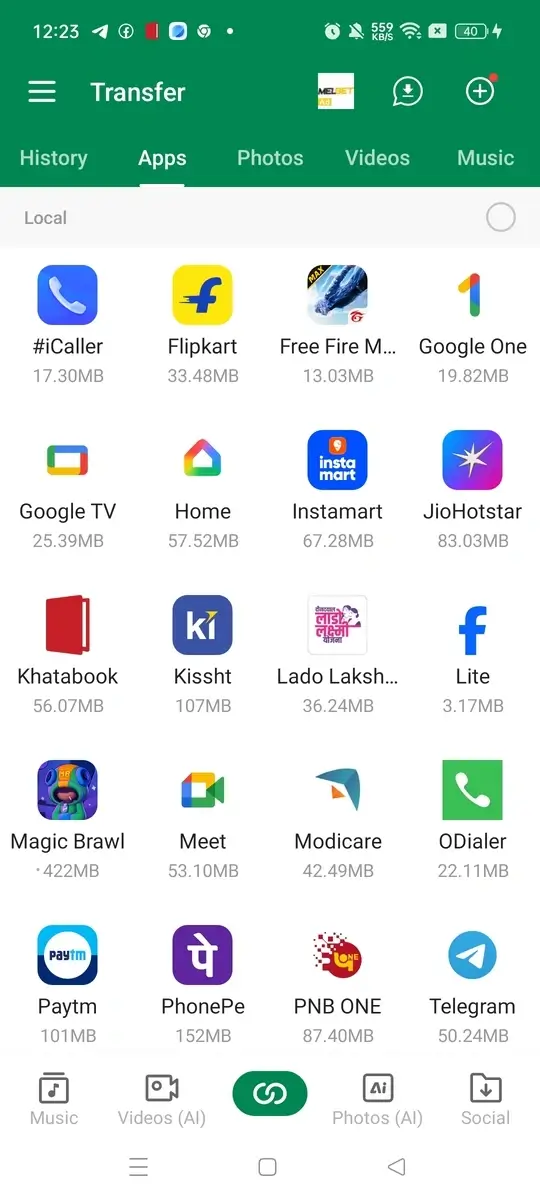
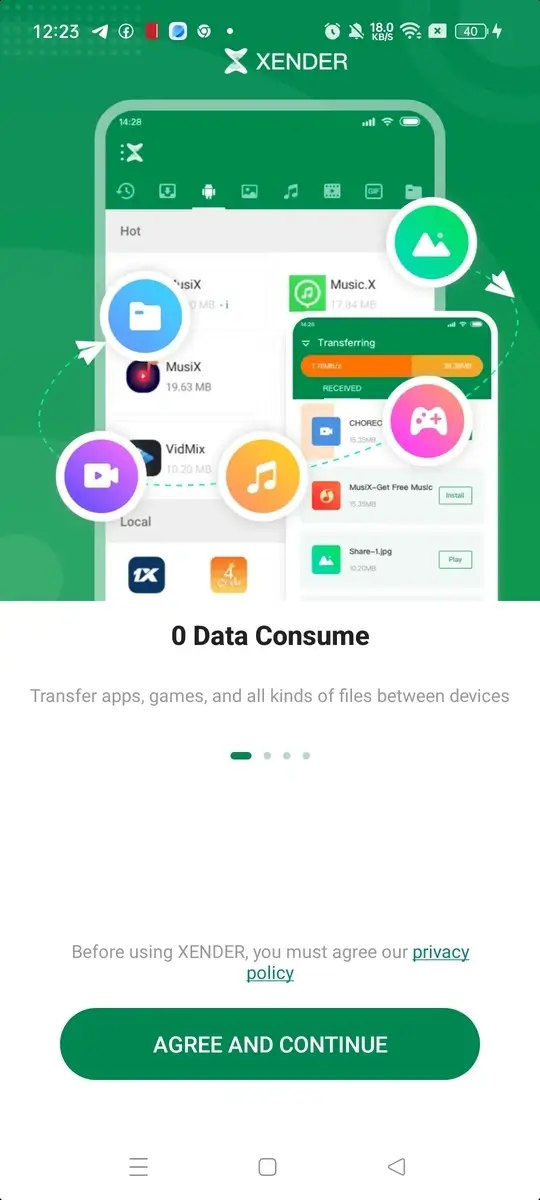
Transferring files between devices shouldn’t feel like a task. Yet, it often does. Slow Bluetooth, unstable connections, or apps that overcomplicate things can make a simple transfer frustrating. That’s where Xender comes in.
Xender keeps things clean and straightforward. It lets you send files quickly without cables, internet, or extra setup. Whether you’re moving photos to a new phone or sharing a video with a friend, it gets the job done without delays. And honestly, that kind of simplicity is rare these days.
What is Xender APK
Xender APK is a wireless file-sharing application built for fast and easy transfers between devices. It works without using mobile data, Wi-Fi internet, or Bluetooth. Instead, it creates a direct connection between devices using a local network.
In simple terms, your phone acts like a hotspot. Another device connects to it, and you can start transferring files instantly. No complicated pairing process. No waiting around.
It supports multiple platforms, including Android, iOS, Windows, and Mac. That cross-device compatibility makes it useful for almost everyone. Also, it runs smoothly on devices with Android 6.0 and above, so most users won’t face compatibility issues.
Features
Here’s a closer look at what Xender offers:
- High-Speed Transfers
Xender delivers speeds much faster than Bluetooth. Large files like videos or apps transfer in seconds rather than minutes.
- No Internet Required
You don’t need mobile data or Wi-Fi. This makes it ideal for offline sharing, especially in low-network areas.
- Supports All File Types
Share photos, videos, music, apps, and documents without restrictions. There’s no need to convert files.
- Cross-Platform Compatibility
It works across Android, iOS, Windows, and Mac devices. You’re not limited to one system.
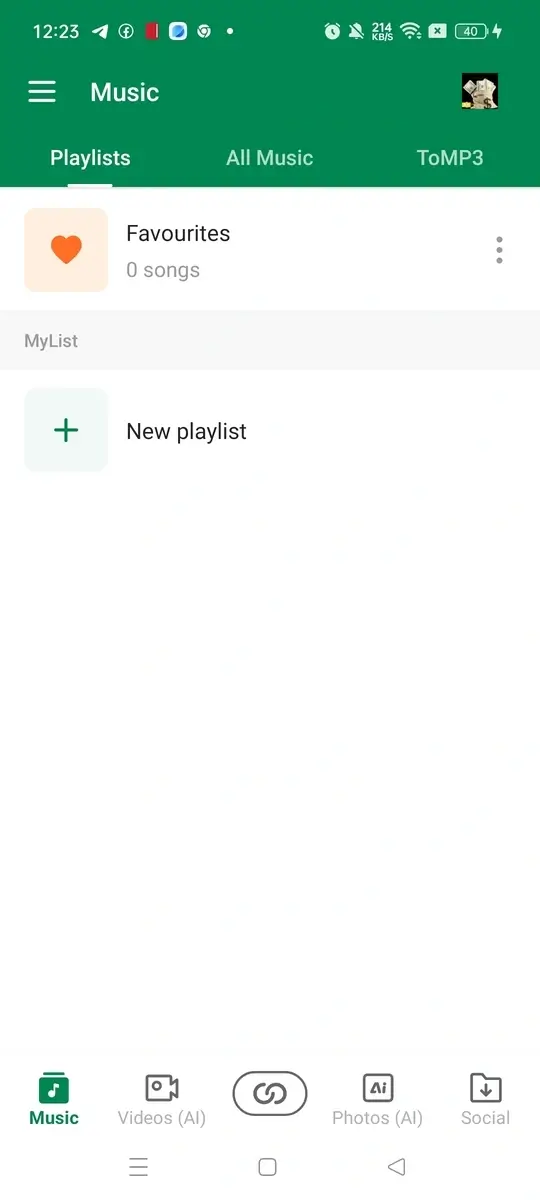
- Built-in Media Player
You can play music and videos directly within the app. It adds convenience without needing extra apps.
- No File Size Limit
Send large files without worrying about limits. Even full-length videos can be shared easily.
- User-Friendly Interface
The design is simple and easy to navigate. Even first-time users can operate it without confusion.
How to Install Xender APK
Follow these steps to install the app on your device:
- Download the Xender APK file from this site.
- Go to your device settings and enable “Unknown Sources” under security.
- Open your file manager and locate the downloaded APK file.
- Tap on the file to start the installation process.
- Wait for the installation to complete.
- Open the app and grant the required permissions.
Once installed, you can start sending or receiving files immediately.
FAQs
1. Does Xender require internet to work?
No, Xender works without internet. It creates a local connection between devices.
2. Is Xender better than Bluetooth?
Yes, it is much faster and more efficient than Bluetooth for file transfers.
3. Can I transfer files between different devices?
Yes, Xender supports sharing between Android, iOS, Windows, and Mac.
4. Are there any file size restrictions?
No, you can send files of any size without limits.
5. Why is my connection not working?
Make sure both devices are close and connected to the same network created by the app.
Conclusion
Xender stands out because it keeps file sharing simple and fast. It removes the need for cables, internet, and slow transfer methods. That alone makes a big difference.
If you want a reliable way to share files across devices without hassle, Xender is a solid choice. It’s quick, easy to use, and works exactly how you expect it to. Sometimes, that’s all you really need.